
Home Office Essentials: What's Actually Worth Buying
By THRYV Editorial Team
Affiliate disclosure: We may earn a commission when you buy through links on this page. This never affects our recommendations. Read our full disclosure.
Most home office buying guides read like a wishlist — every category maxed out, every accessory recommended. In practice, the difference between an OK setup and a great one is a handful of items done well. This is the list we think earns the money, and the categories where restraint pays off.
The chair is the whole ballgame
If you sit for more than four hours a day, the chair is the single most important purchase in the room. That does not necessarily mean a $1,200 flagship — the used market for high-end office chairs is unusually good, and a five- to seven-year-old top-tier chair is typically better than a new mid-range one. Look for adjustable seat depth, real lumbar support (not a bulge sewn into the fabric), and arms that move in more than one axis.
One good monitor beats two mediocre ones
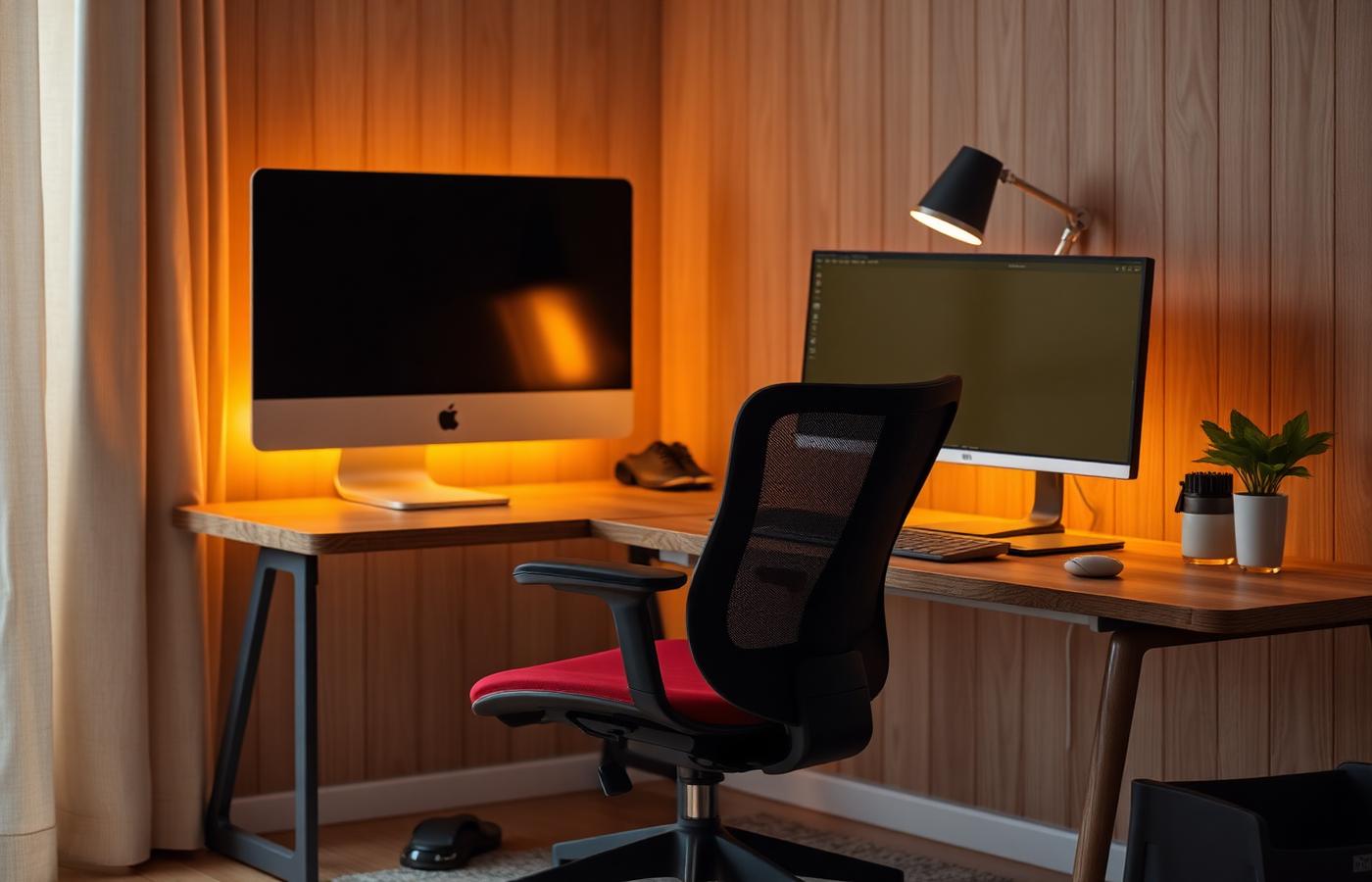
Dual-monitor setups look productive and often are not. A single high-quality ultrawide, or a well-sized 4K monitor with good scaling, keeps your neck straighter and reduces the constant micro-context-switching that dual monitors quietly encourage. If your work genuinely needs two screens (video calls plus notes; code plus browser), fine — but do not default to two.
Lighting is where most rooms fall short
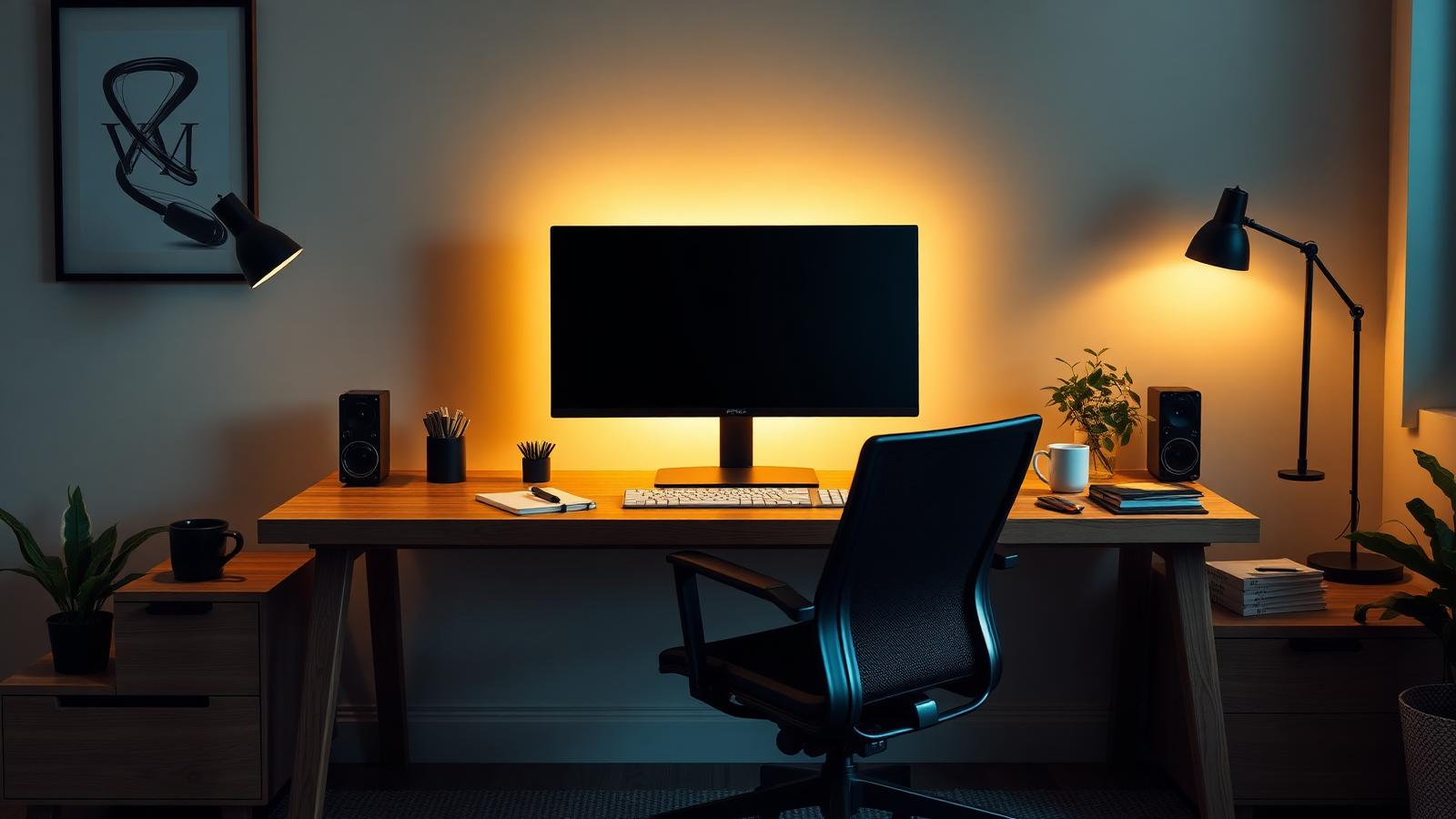
Video-call lighting and general work lighting are the same problem: overhead light alone flattens your face and produces glare on the monitor. A single quality bias light behind the monitor plus one soft desk lamp positioned in front of you fixes both. This is a $60–$100 upgrade that outperforms anything else at that budget.
Sound: a decent headset, not a podcast rig
For meetings, a mid-priced headset with a decent boom mic sounds better on the other end of the call than any "content creator" USB microphone in an untreated room. Skip the mic arm, buy the headset, and put the money you saved into the chair.
- A great chair pays back in months, not years
- Bias lighting fixes eye strain and video-call quality at once
- Single-monitor setups usually reduce context switching
- The used office-chair market requires patience
- Ultrawide monitors need a deep enough desk (~30 inches / 76 cm)
What we would skip
Standing desks are the classic example of a product that looks like an upgrade and often becomes an expensive place to store papers. If you genuinely alternate, buy one — otherwise a fixed-height desk at the right height plus regular breaks is honestly better. Same story for RGB accessories, cable-management "systems" that require rewiring twice a year, and any "ergonomic" mouse that requires learning a new grip.
Priorities in order
| Priority | Spend | Notes |
|---|---|---|
| 1 | Chair | The one thing worth the used market |
| 2 | Monitor | One good one, not two mediocre |
| 3 | Lighting | Bias light + soft desk lamp |
| 4 | Headset | Boom mic beats standalone mic in real rooms |
| 5 | Desk | Fixed height, deep enough for the monitor |
Our take
Home office setup is a category where restraint is the win. Spend on the chair, put a good monitor in front of it, light the room properly, and leave the rest alone until you know what you actually need.
THRYV Editorial reviews are researched from manufacturer specifications, current pricing across major retailers, and long-form user feedback from owner forums and verified reviews. We do not operate a physical testing lab and we do not claim to. When we have direct experience with a product we say so; when we do not, we make that clear. Recommendations are editorially independent and are never traded for placement.